
Wanna change passwords? Great idea!
1. Login to your headquarters
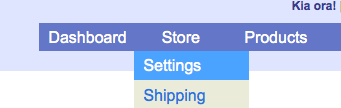
2. Click on the “Store” tab in the menu
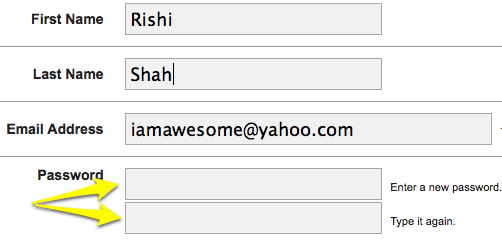
3. Type in your new password twice
4. Make sure you save it by scrolling to the bottom and hitting “Update Settings”
5. Remember your new password (FYI: ex girlfriend names do not make good passwords because you keep remembering them)
Tags: password